Creating a professional logo is one of the most important steps while building a brand. But hiring a designer can be expensive and time-consuming — especially for startups, creators, and small businesses.
That’s where BrainHost AI Logo Generator comes in. It’s a free AI-powered tool that helps you generate logos in just a few seconds, without any sign-up.
What is BrainHost AI Logo Generator?
BrainHost is an AI-based logo creation tool that allows users to design logos simply by entering their brand details. You don’t need any design skills, and you don’t even need to create an account.
It’s perfect for:
- Startups
- Content creators
- Small businesses
- Freelancers
- Anyone who wants a quick logo solution
How to Create a Logo Using BrainHost (Step-by-Step)
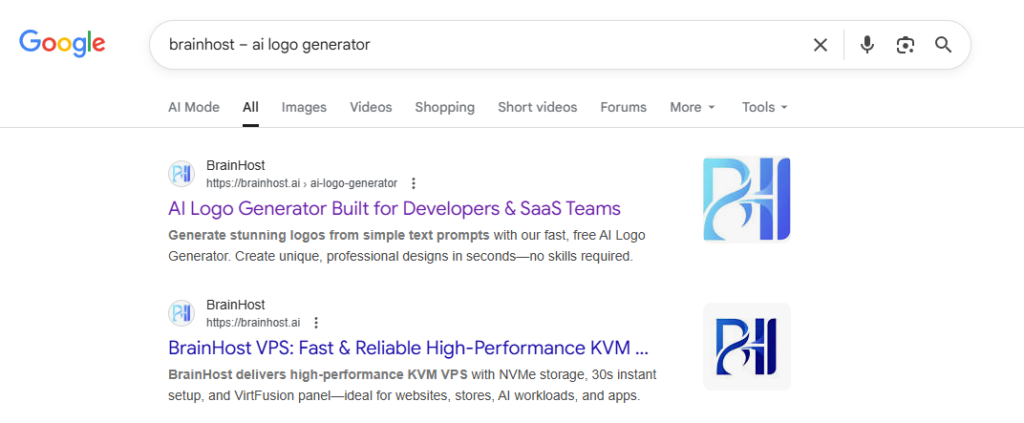
Step 1: Search for BrainHost
Go to Google and search for:
BrainHost AI logo generator
Step 2: Enter Details, Choose Style & Generate Logo
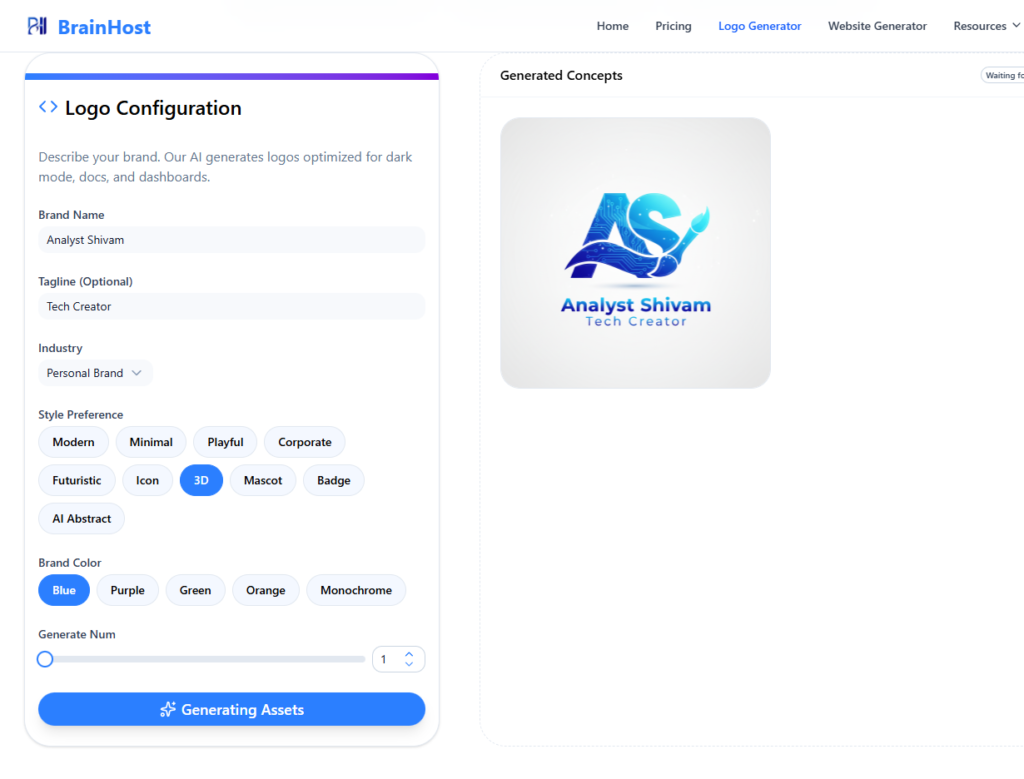
On the BrainHost website, you just need to:
- Enter your brand name or tagline
- Select your industry
- Choose your logo style preference
- Pick your brand colors and design type
- Click on Generate
Within a few seconds, BrainHost’s AI will create multiple logo options for you — simple and hassle-free.
Final Thoughts
If you’re looking for a fast, free, and beginner-friendly AI logo generator, BrainHost is definitely worth trying.
It removes the complexity of traditional logo design and makes branding accessible to everyone.